


BECKER/Infinity user menu


Senior Member
Joined: Jan 2007
Posts: 1,370
Likes: 0
From: Baltimore, MD

 Re: BECKER/Infinity user menu
when i hold mine it just says "LINEAR" and resets my settings. is what your talking about only on Nav units? because i'm not the first person that says it won't access any menu.

Senior Member
Joined: Apr 2006
Posts: 4,907
Likes: 1
From: Long Island NY
 Re: BECKER/Infinity user menu
Originally Posted by Romio
when i hold mine it just says "LINEAR" and resets my settings. is what your talking about only on Nav units? because i'm not the first person that says it won't access any menu.
Senior Member
Joined: Jan 2007
Posts: 1,370
Likes: 0
From: Baltimore, MD
Re: BECKER/Infinity user menu
pretty sure its only for nav, because the letters on that are made up of small pixels, compared to large lines on the other radios. no way to draw a phone with the lines.
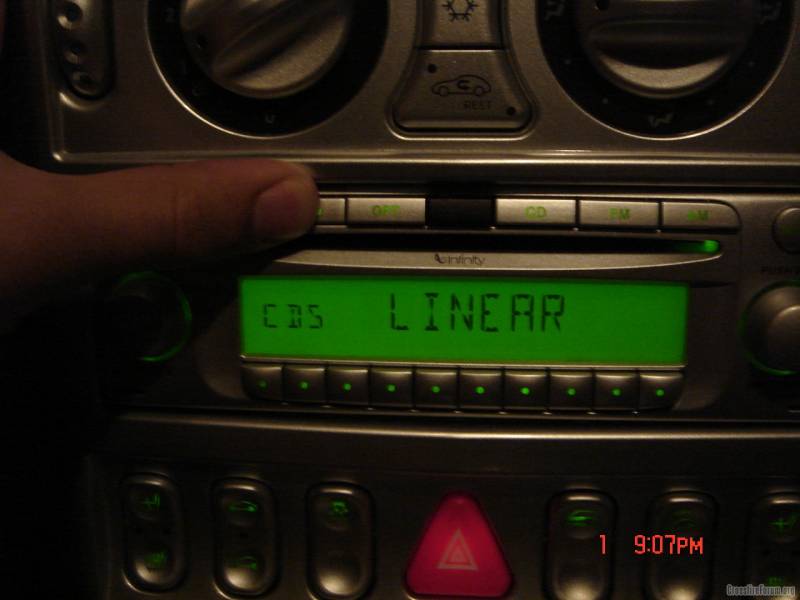
then, if i hold it for about 10 seconds after it changes to "LINEAR" it just goes to my regular audio, but its all set to 0.
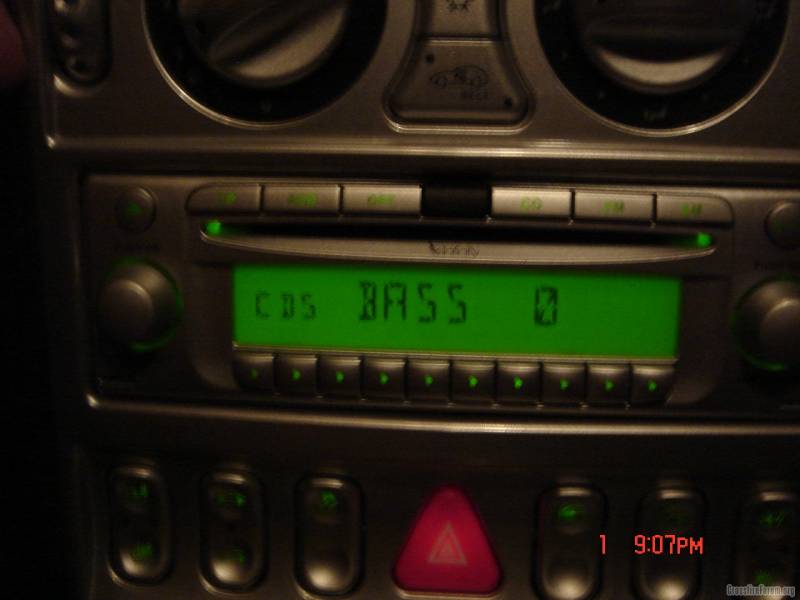
then, if i hold it for about 10 seconds after it changes to "LINEAR" it just goes to my regular audio, but its all set to 0.
Last edited by Romio; May 1, 2007 at 10:17 PM.
Senior Member
Joined: Jan 2007
Posts: 1,370
Likes: 0
From: Baltimore, MD
Re: BECKER/Infinity user menu
Originally Posted by AMGLover
Ever wonder what the center black button is on the 2004's? If you put lcd into auto mode it changes based on ambient light.



Forum Regular
Joined: Nov 2006
Posts: 355
Likes: 0
From: Huntingdon Co., PA
Re: BECKER/Infinity user menu
To access the USER menu on the non-nav unit you press and hold the OPT button, but there is no selection that I am aware of for reversing the LCD display.
The User menu on the non-nav unit controls these functions:
The User menu on the non-nav unit controls these functions:
- User memory
- USER 1, 2, 3 -- Saves sound settings and the last received station when the unit was shut off.
- Mono/Stereo Setting
- STO AUTO -- Allows the unit to switch from Stereo to Mono and back depending on reception.
- STEREO -- Unit is always in Stereo mode
- MONO -- Unit is always in Monoaural mode
- Driver L/R
- DRIVER L or DRIVER R -- Selects the appropriate speaker side that a hands-free call is routed to if a hands-free phone is installed
- Telephone Mute Characteristics
- PH MUTE -- Switches radio to mute during a call
- AUDIO PH -- Telephone call routes through the car radio

Forum Regular
Joined: Jun 2003
Posts: 362
Likes: 0
From: Essex County, NJ
Re: BECKER/Infinity user menu
There isn't a selection to reverse the LCD display, at least for the non-nav units.
The early '04 models came with the reversed LCD displays from the factory.
Unfortunately, it washes out in the sun and a replacement was made available to owners to have it switched out to one that has words in black.
The early '04 models came with the reversed LCD displays from the factory.
Unfortunately, it washes out in the sun and a replacement was made available to owners to have it switched out to one that has words in black.

Thread
Thread Starter
Forum
Replies
Last Post
grip grip
Other Cars Etc
19
Sep 19, 2015 08:43 PM
Currently Active Users Viewing This Thread: 1 (0 members and 1 guests)