Site News News about site updates and new features.

Photo Uploader and Gallery Tutorial

Thread Tools
 
Old Jan 1, 2016 | 11:21 PM
  #1 (permalink)  
IB Nolan's Avatar
Thread Starter
|
IB Staff
Joined: Jan 2007
Posts: 92
Likes: 0
Default Photo Uploader and Gallery Tutorial

Big news, everyone! We've rolled out a new photo uploader that makes adding images to threads and posts much, much easier.

1. Start at the same place, by clicking the "Add Image" button in the editor.


2. You can drag & drop from a folder, open and browse to choose images, or just as always--add a URL.


3. The images will then upload to your album in the gallery, from which you can pull these images in the future for other threads.


In the upper right-hand corner, clicking "Reorder Images" will allow you to move your images around into the order you would like displayed in the thread.


Now we have images in the thread!


PART II: Adding existing images

Open the Add Images as usual, and click on "Add from Albums"


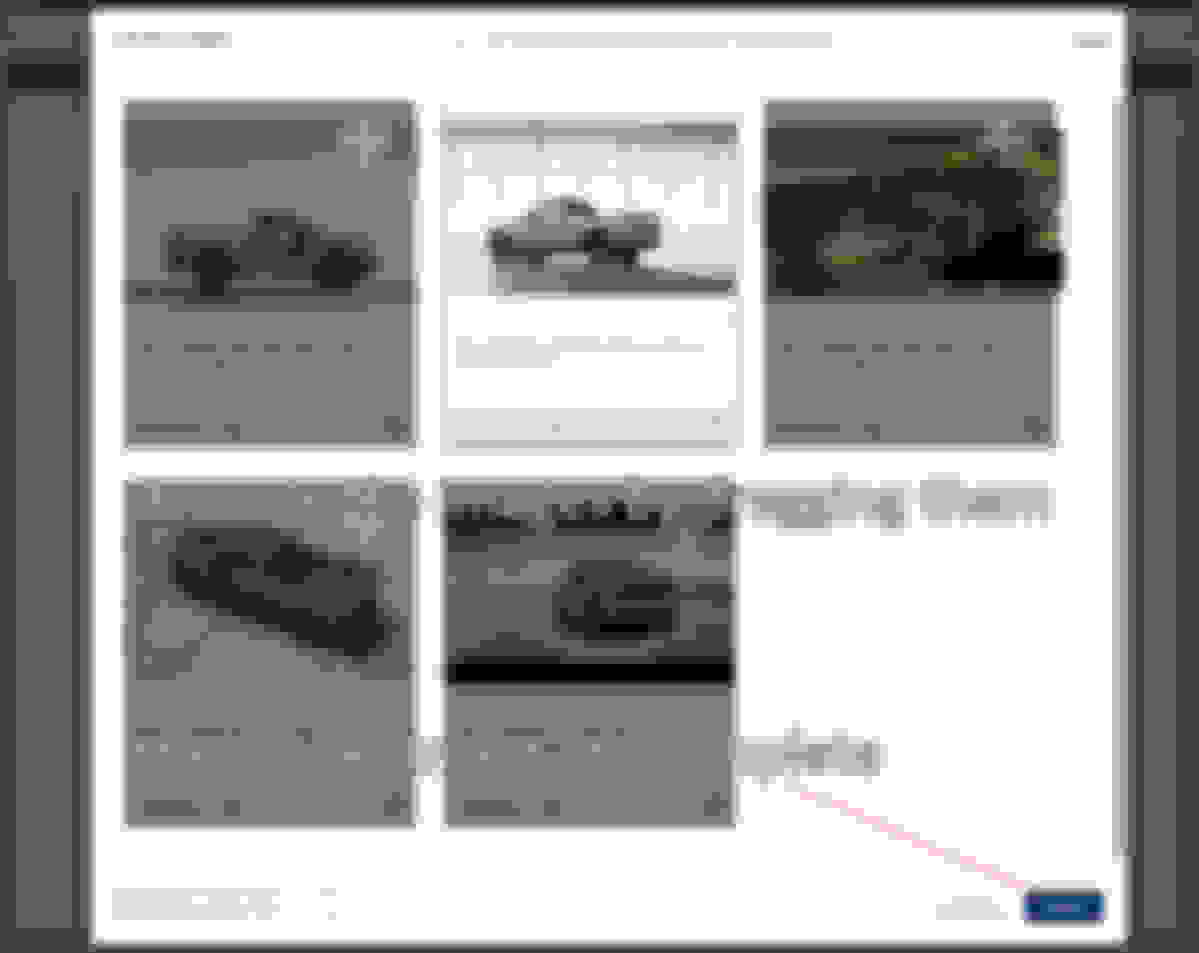
Scroll through the bottom and click on the images to add them


Choose your images, and click insert to add them into your post!
 
Reply
Old Jan 2, 2016 | 08:12 AM
  #2 (permalink)  
pioneer4x4's Avatar
Senior Member
Joined: Jul 2015
Posts: 953
Likes: 7
From: Greensburg, PA
Default re: Photo Uploader and Gallery Tutorial

Thanks for the info, I'll try it out.
 
Reply
Old Jan 2, 2016 | 10:08 AM
  #3 (permalink)  
ala_xfire's Avatar
Senior Member
Joined: Dec 2010
Posts: 12,780
Likes: 184
From: Lineville, AL
Default re: Photo Uploader and Gallery Tutorial

Already tried it out, works GREAT !!!!!
 
Reply
Old Jan 2, 2016 | 11:05 AM
  #4 (permalink)  
Mrmiata's Avatar
Senior Member
Joined: Sep 2011
Posts: 9,595
Likes: 26
From: Kellyville, Ok
Default re: Photo Uploader and Gallery Tutorial

GREAT! Having to upload to the gallery then select from it or copy paste the link into a post got so old.. I quit dealing with it..

2016 .. it's a bold new world!
 
Reply
Old Jan 2, 2016 | 11:29 AM
  #5 (permalink)  
onehundred80's Avatar
Senior Member
Joined: Apr 2006
Posts: 25,432
Likes: 647
From: Ontario
Default re: Photo Uploader and Gallery Tutorial

Originally Posted by Mrmiata
GREAT! Having to upload to the gallery then select from it or copy paste the link into a post got so old.. I quit dealing with it..

2016 .. it's a bold new world!
I tried to take a picture with my iPad mini, upload it and failed, I'll try again. I did transfer one from the iPad to my gallery though, it did it when I had decided not to proceed with that picture.
 
Reply
Old Jan 2, 2016 | 11:43 AM
  #6 (permalink)  
onehundred80's Avatar
Senior Member
Joined: Apr 2006
Posts: 25,432
Likes: 647
From: Ontario
Default re: Photo Uploader and Gallery Tutorial


I guess it worked after a few attempts, I took a photo with my iPad Mini and it appeared where it should.
It appeared directly in the post and it also showed up in MY GALLERY.
I tried some more but I kept getting errors.
 

Last edited by onehundred80; Jan 2, 2016 at 11:56 AM.
Reply
Old Jan 2, 2016 | 11:59 AM
  #7 (permalink)  
SparkieSRT6's Avatar
SSB SRT6 405hp/401Tq
Joined: Mar 2010
Posts: 4,097
Likes: 2
From: Hooterville
Default re: Photo Uploader and Gallery Tutorial


Easy picture loading from android now. This is a Crossfire homelink transmitter mounted in the header of my Jeep. Very few Crossfire parts in my possession now.
 
Reply
Old Jan 2, 2016 | 12:12 PM
  #8 (permalink)  
onehundred80's Avatar
Senior Member
Joined: Apr 2006
Posts: 25,432
Likes: 647
From: Ontario
Default re: Photo Uploader and Gallery Tutorial

Originally Posted by SparkieSRT6


Easy picture loading from android now. This is a Crossfire homelink transmitter mounted in the header of my Jeep. Very few Crossfire parts in my possession now.
BOO HISS! No Jeeps allowed here. Traitor.
LOL

I was thinking of trying my phone to send a pic to this site. I just got an Android phone and I can just about manage to use it as a phone let alone anything else.
This new phone replaces the last one that managed only a part of a call after falling in the lake fishing, it was brand new the day before, first and last call. You know the phone has problems when you can see water behind the camera lens.
 
Reply
Old Jan 2, 2016 | 12:27 PM
  #9 (permalink)  
SparkieSRT6's Avatar
SSB SRT6 405hp/401Tq
Joined: Mar 2010
Posts: 4,097
Likes: 2
From: Hooterville
Default re: Photo Uploader and Gallery Tutorial


Originally Posted by onehundred80
BOO HISS! No Jeeps allowed here. Traitor.
LOL

I was thinking of trying my phone to send a pic to this site. I just got an Android phone and I can just about manage to use it as a phone let alone anything else.
This new phone replaces the last one that managed only a part of a call after falling in the lake fishing, it was brand new the day before, first and last call. You know the phone has problems when you can see water behind the camera lens.


Its simple from android. Now look what you've started.
 
Reply
Old Jan 2, 2016 | 12:34 PM
  #10 (permalink)  
onehundred80's Avatar
Senior Member
Joined: Apr 2006
Posts: 25,432
Likes: 647
From: Ontario
Default re: Photo Uploader and Gallery Tutorial

Originally Posted by SparkieSRT6

Its simple from android. Now look what you've started.
We are just going to have to take that into a swamp sometime.
http://www.dailymotion.com/video/x9lngw_jumping-run-creek-mud-bog_auto
 

Last edited by onehundred80; Jan 2, 2016 at 12:44 PM.
Reply
Old Jan 2, 2016 | 01:21 PM
  #11 (permalink)  
Valk's Avatar
Administrator / Senior Member / Retired
Joined: Jul 2007
Posts: 18,009
Likes: 1,484
From: Aurora , ILL
Default

iPhone friendly
 
Attached Images
File Type: jpg
image-3484369012.jpg (315.1 KB, 7 views)
Reply
Old Jan 2, 2016 | 01:25 PM
  #12 (permalink)  
Valk's Avatar
Administrator / Senior Member / Retired
Joined: Jul 2007
Posts: 18,009
Likes: 1,484
From: Aurora , ILL
Default

I will add when posting a pic from my iPhone the pic I choose and attach is not visible in the post text field but once you submit the post the attachment will appear
 
Reply
Old Jan 2, 2016 | 02:10 PM
  #13 (permalink)  
James1549's Avatar
Senior Member
Joined: May 2008
Posts: 10,434
Likes: 144
From: Cincinnati ( Delhi )
Default re: Photo Uploader and Gallery Tutorial

TEST


Reply
Old Jan 2, 2016 | 07:20 PM
  #14 (permalink)  
Rets's Avatar
Joined: Sep 2013
Posts: 255
Likes: 0
From: Tennessee
Default re: Photo Uploader and Gallery Tutorial


Wow much easier


I'm off to the top!
 
Reply
Old Jan 3, 2016 | 12:16 AM
  #15 (permalink)  
JSK's Avatar
JSK
Senior Member
Joined: Jul 2014
Posts: 1,199
Likes: 121
From: Mesa Arizona
Default re: Photo Uploader and Gallery Tutorial


Testing testing
 
Reply
Old Jan 3, 2016 | 09:40 AM
  #16 (permalink)  
Bowman's Avatar
Joined: Dec 2015
Posts: 49
Likes: 0
From: Batesville, AR
Default re: Photo Uploader and Gallery Tutorial

Thanks for the "How To"....with a little practice I may be able to make it work.
 
Reply
Old Jan 3, 2016 | 12:35 PM
  #17 (permalink)  
pizzaguy's Avatar
Administrator
Joined: Jun 2009
Posts: 13,932
Likes: 1,266
From: Fort Worth, Texas
Default re: Photo Uploader and Gallery Tutorial

BEST NEWS ABOUT THIS FORUM IN A LONG TIME!

*******Nice pictures, RETS! **********


(It was this or a picture of me with scantily-clad waitresses... so live with it! )
 
Reply
Old Jan 4, 2016 | 02:17 PM
  #18 (permalink)  
IB Nolan's Avatar
Thread Starter
|
IB Staff
Joined: Jan 2007
Posts: 92
Likes: 0
Default re: Photo Uploader and Gallery Tutorial

We also added more items to the automatic media embedder for the site.

This means that the site can automatically detect what you are trying to share (facebook video, soundcloud, twitter post, etc. ) and it will embed the post.

Here are examples.


Facebook

Pasting this
Code:
https://www.facebook.com/Chrysler/photos/a.357665825975.165147.7737305975/10153003400950976/?type=3&theater
displays as this on submission
https://www.facebook.com/Chrysler/photos/a.357665825975.165147.7737305975/10153003400950976/?type=3&theater


Soundcloud
Pasting this
Code:
https://soundcloud.com/xiakmc/louis-armstrong-la-vie-en
displays as this on submission


Twitter


Pasting this
Code:
https://twitter.com/suarelig/status/682934089293377536
displays as this on submission
 
Reply
Old Jan 12, 2016 | 02:37 PM
  #19 (permalink)  
Valk's Avatar
Administrator / Senior Member / Retired
Joined: Jul 2007
Posts: 18,009
Likes: 1,484
From: Aurora , ILL
Default re: Photo Uploader and Gallery Tutorial

I wanted to share a setting with you all that you can and should change for the best formatting for your photo uploads

Click on >>User Control Panel
Look on the left side of your screen and scroll down and click on edit options

Then scroll down to the Image Resizer box and enter 800 in both boxes as seen in the attachment here and then scroll all the way down and click "save changes"
This will automatically size all your photo uploads into threads suitable size for viewing in posts on the forum for all users

example:


Reply
Old Jan 12, 2016 | 02:52 PM
  #20 (permalink)  
Valk's Avatar
Administrator / Senior Member / Retired
Joined: Jul 2007
Posts: 18,009
Likes: 1,484
From: Aurora , ILL
Default re: Photo Uploader and Gallery Tutorial
A very large file size (6.85mb) high resolution pic automatically sized 800 X 800 seen here


Tail of the Dragon - Fall 2010


Reply


All times are GMT -4. The time now is 01:22 AM.